Dennis Klappe
Happy 2026! 🎉 It’s been a busy start to the year, and I’m excited to share some major updates to the Rep5x project.
Firmware-side inverse kinematics
Big thanks to @DerAndere for making this happen! He implemented the PENTA_AXIS_HH (head-head) kinematics in his Marlin2ForPipetBot fork, which we’ve now integrated into the Rep5x Marlin firmware.
Previously, inverse kinematics (IK) calculations had to be done in the slicer or post-processing tools. Now, IK runs directly in the Marlin firmware.
This means you can send standard 5-axis G-code with tool tip coordinates and the firmware handles all the complex maths to move the axes correctly. Enable it with G43.4 in your start G-code, disable with G49.
Why does this matter?
- Simpler workflow - No need to run G-code through external tools
- Real-time compensation - The firmware adjusts on the fly
- Better compatibility - Works with any slicer that can output 5-axis coordinates
Firmware-side calibration correction
The calibrator tool now saves calibration data directly to your printer’s EEPROM using the new M667 command. This stores Fourier coefficients that compensate for mechanical errors in your C and B axes.
Your start G-code now just needs:
G49           ; Disable IK during homing
M667 S0       ; Disable calibration during homing
G28           ; Home all axes
; ... heating, purge line, etc ...
G43.4         ; Enable IK
M667 S1       ; Enable calibration
And at the end:
G49           ; Disable IK before homing
M667 S0       ; Disable calibration
G28 Z         ; Home Z
The calibration data persists across reboots, so you only need to calibrate once (or refine it later if needed).
New: Firmware Builder tool
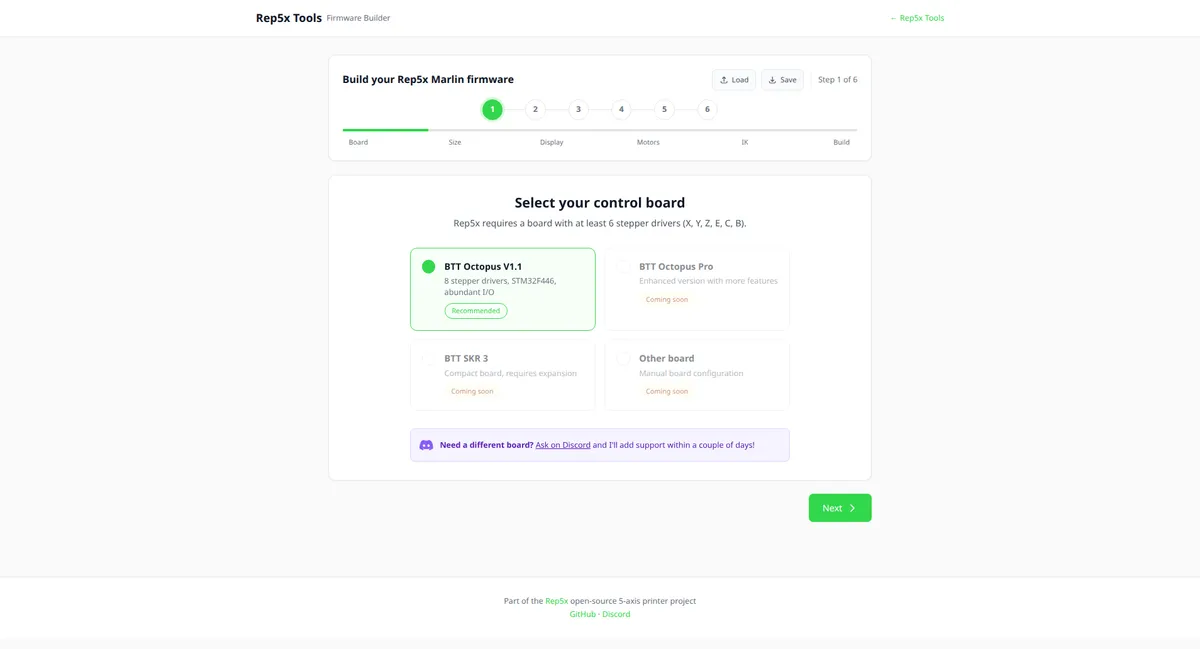
Building custom Marlin firmware can be intimidating. The new Firmware Builder tool at tools.rep5x.com/firmware-builder makes it simple.
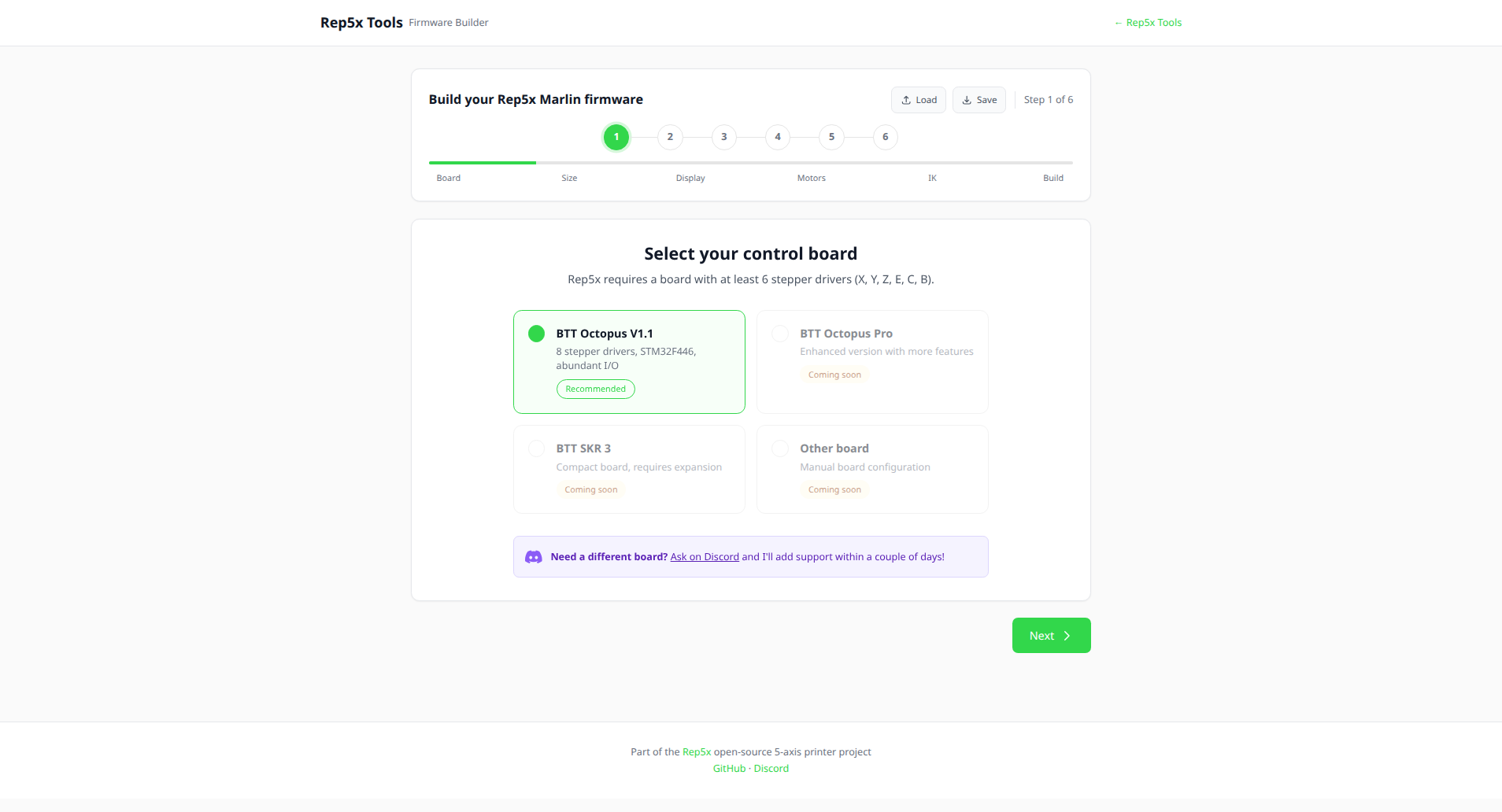
Select your control board, enter your printer dimensions, configure your motors, and the tool builds ready-to-flash firmware directly in your browser. No need to install PlatformIO or edit configuration files manually.
Currently supports the BTT Octopus V1.1 with more boards coming soon. If you need support for a different board or want additional features, message me on Discord and I can add it straight away.
Axis naming: A is now C
We’ve updated the axis naming to follow industry standards. The rotational axis around Z (yaw) is now called C-axis instead of A-axis. This aligns with conventions from ISO 841, the NIST RS274 NGC specification, and LinuxCNC.
The convention: positive C is clockwise rotation of the toolhead relative to the workpiece, when viewed from the workpiece looking from -Z towards +Z.
In practice, this means:
- G-code now uses
Cinstead ofAfor the yaw axis Bremains the tilt/pitch axis- All tools, firmware, and documentation have been updated
If you have existing G-code or configurations using A, you’ll need to update them to use C.
Tool updates
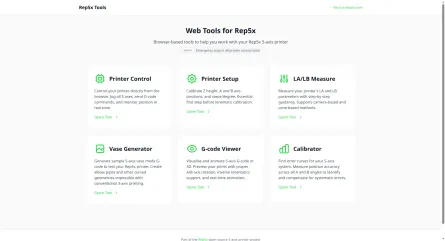
All the Rep5x tools have received updates:
- Calibrator - Now saves calibration to firmware via M667, with support for refining existing calibration
- LC/LB Measure - Renamed from LA/LB to match the correct axis naming, now saves measurements directly to printer EEPROM instead of browser storage
- Vase Generator - Simplified by removing client-side calibration (now handled by firmware)
- G-code Viewer - Updated to work with the new firmware-based IK
- All tools - Visual refresh with consistent styling
What’s next
I’ve seen great progress from people building their own Rep5x printers. If you’re thinking about building one yourself or are stuck somewhere along the way, reach out on Discord or message me directly. I’m happy to help with CAD modelling, firmware configuration, general troubleshooting, or anything else you might need.
For me personally, the focus now is on better documenting the project and continuing to write and test. Specific goals:
- More control board support in the Firmware Builder
- Improved documentation for the calibration workflow
- Hardware adaptation for the Ender 3 Pro
Try it out
All tools are available at tools.rep5x.com. The Firmware Builder is live and ready to use.
Questions or feedback? Join our Discord!