Dennis Klappe
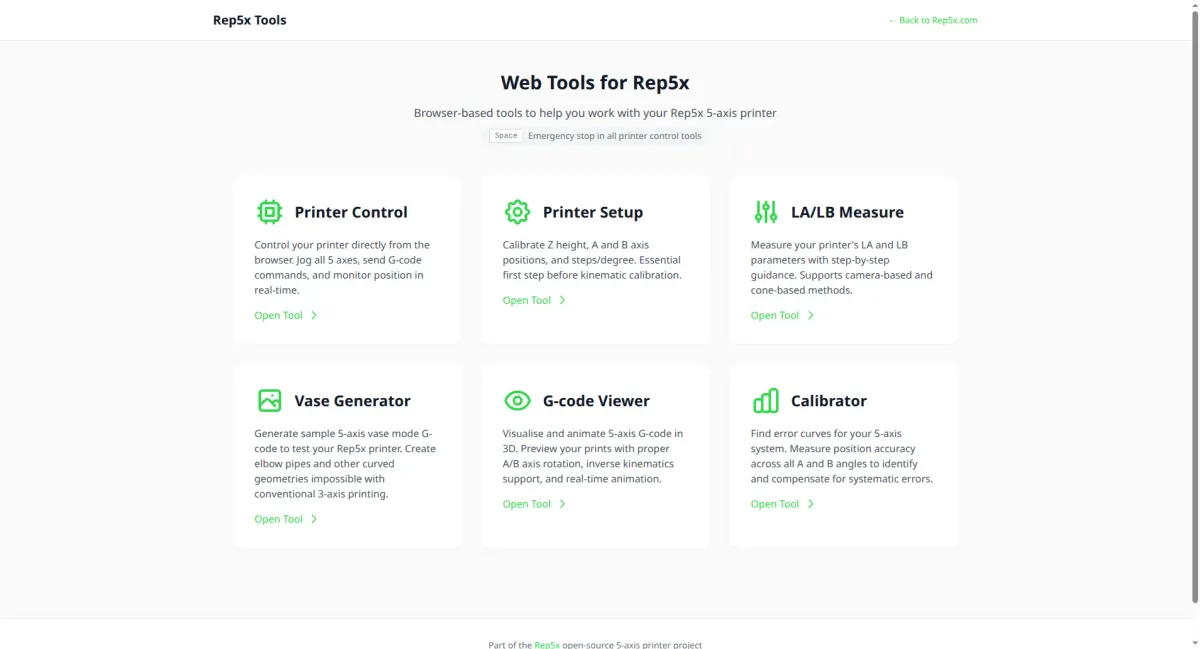
Rep5x Tools is a collection of browser-based tools to help you set up, calibrate, and use your 5-axis printer. No installation needed, just open your browser and connect to your printer.
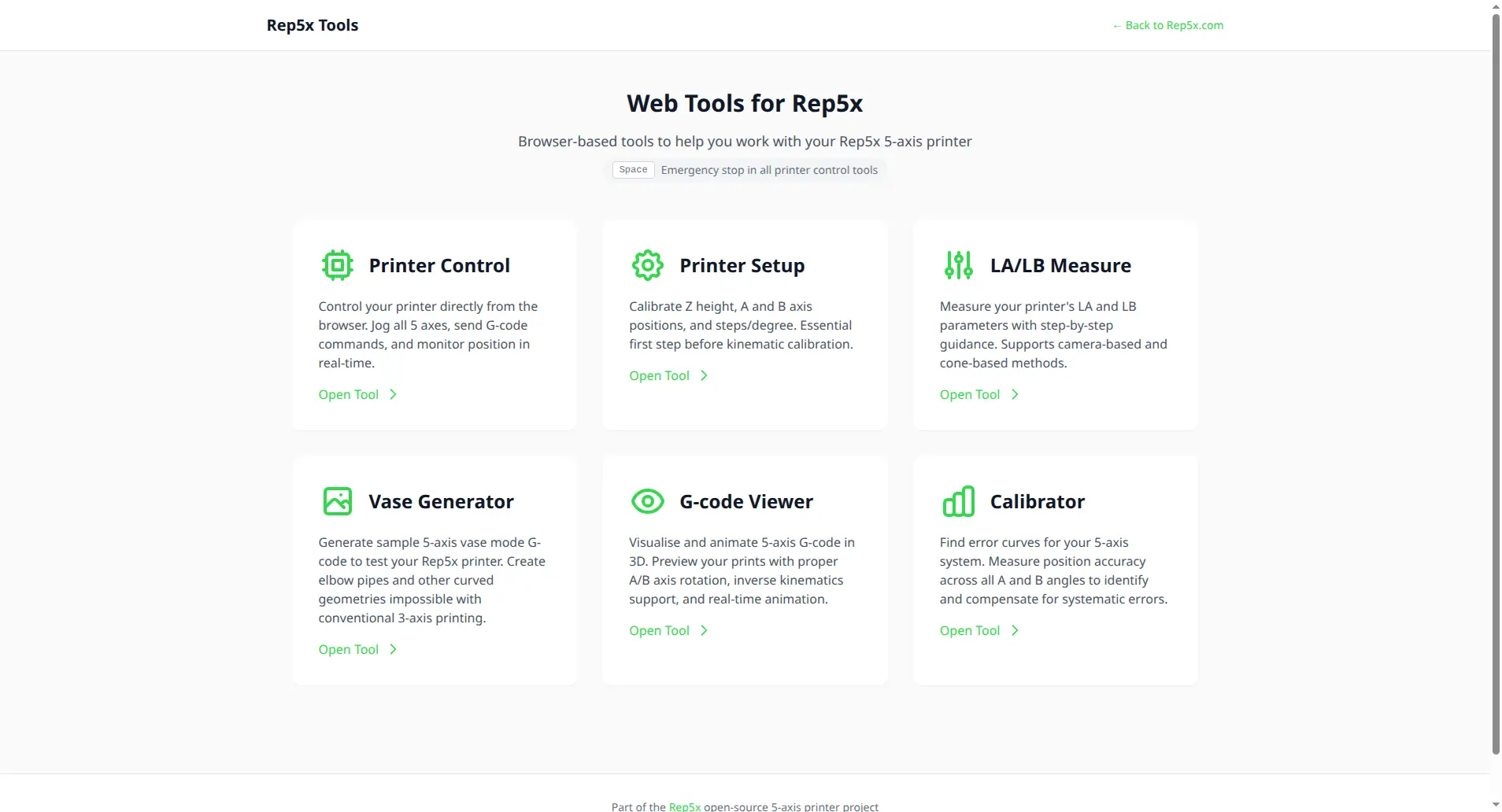
Available tools
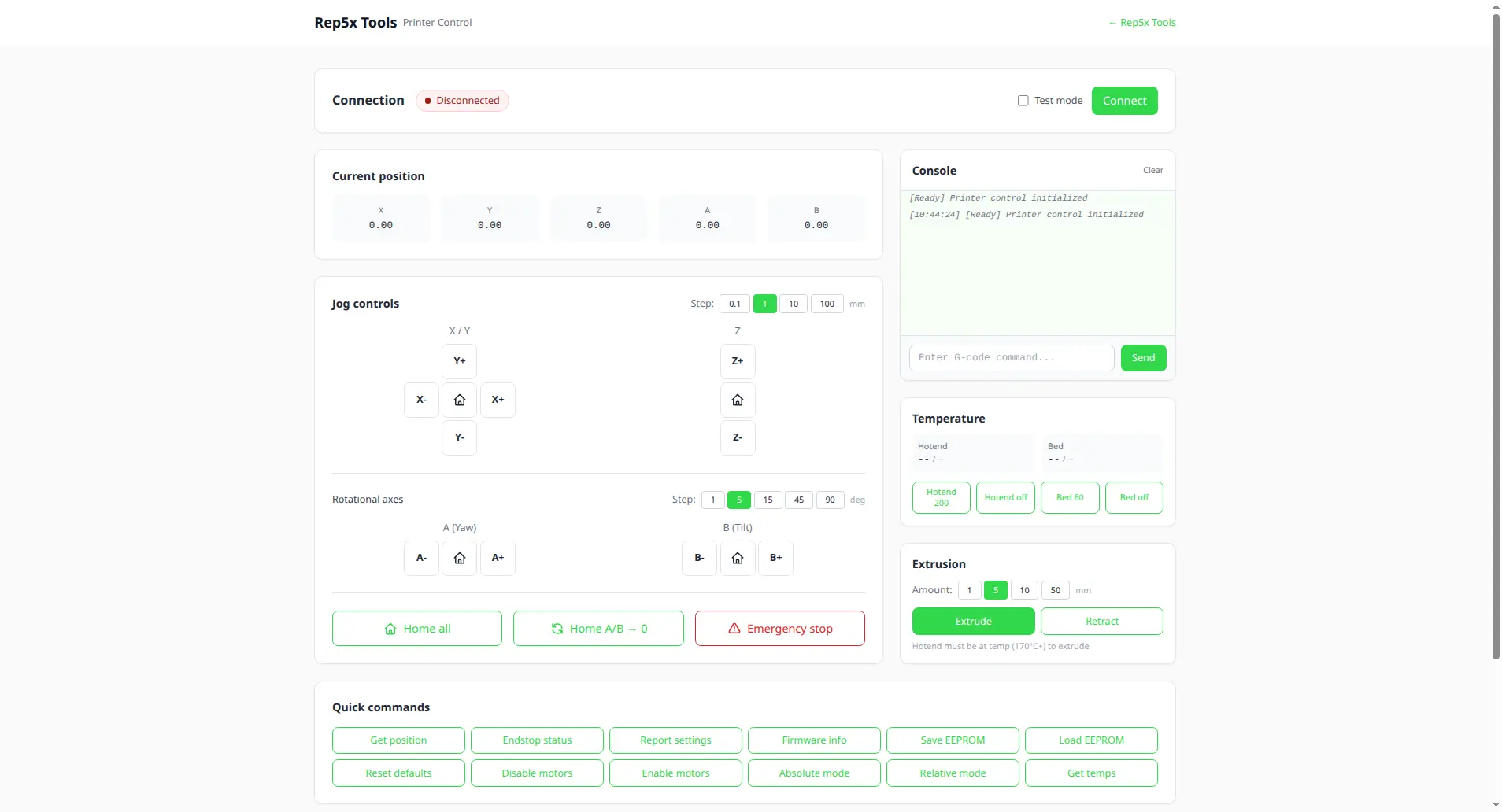
Printer Control
Control your printer directly from the browser. Jog all 5 axes, send G-code commands, and monitor position in real-time. Press Space for emergency stop.
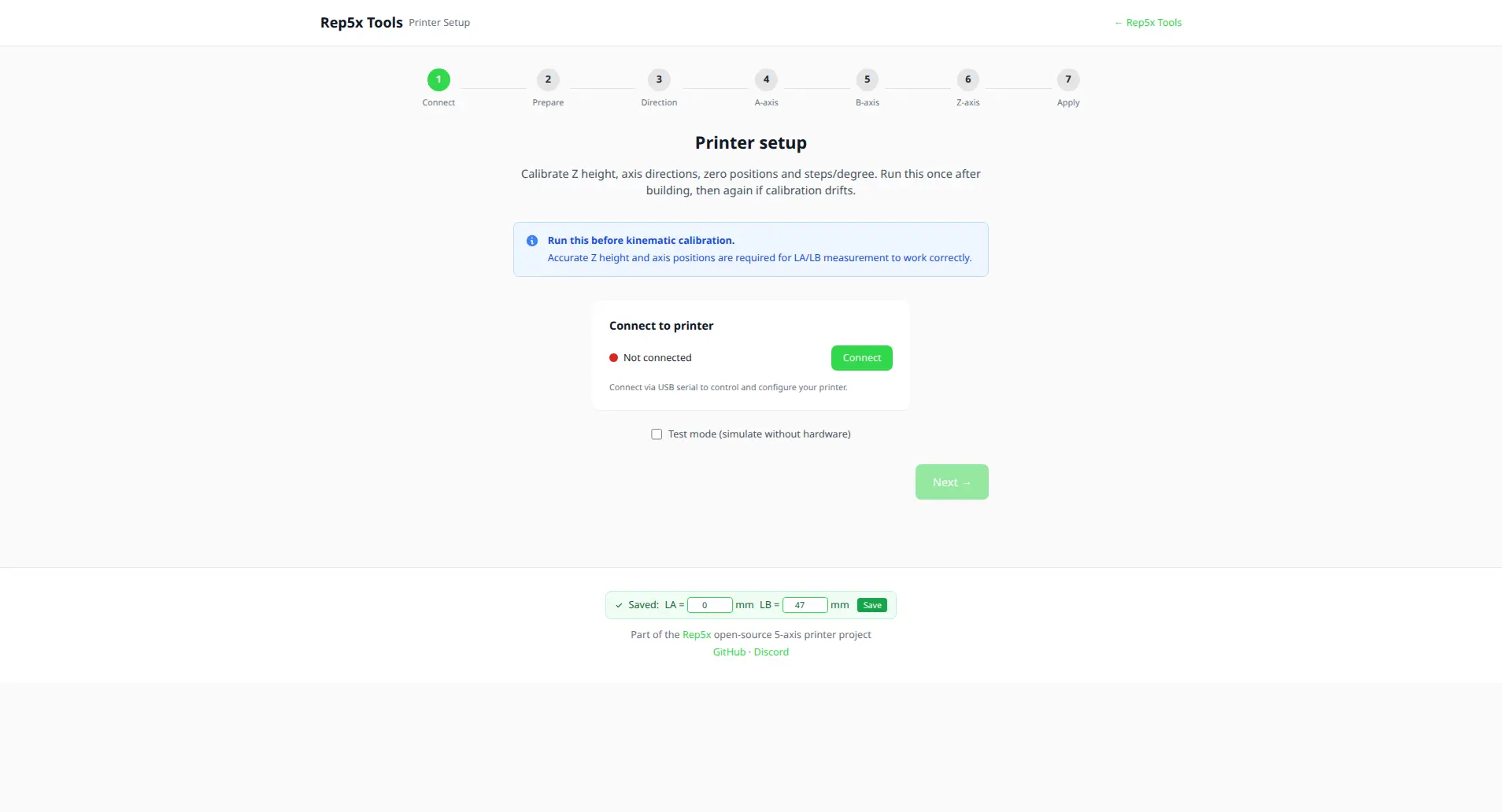
Printer Setup
Calibrate Z height, A and B axis positions, and steps/degree. This is the essential first step before kinematic calibration.
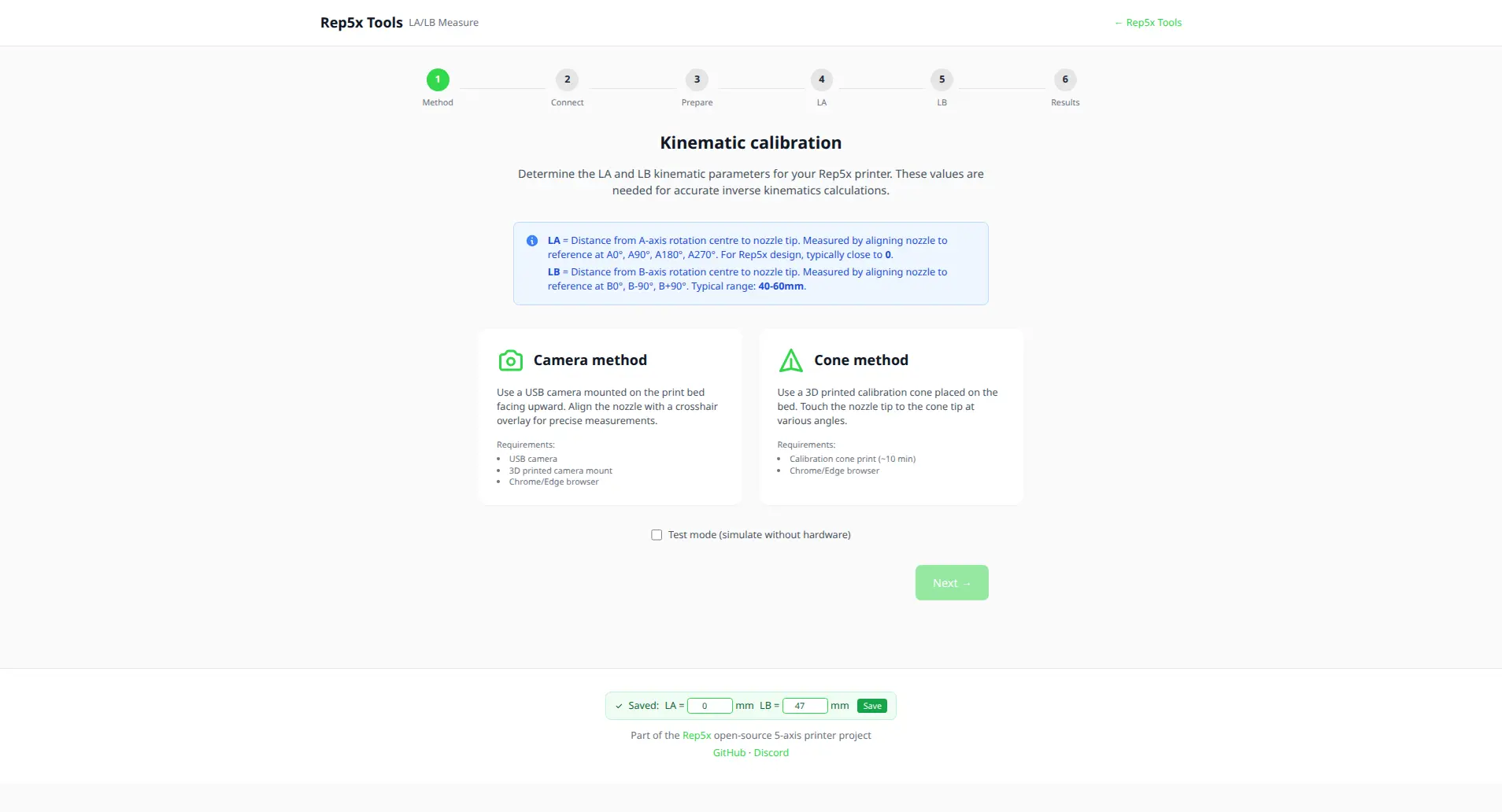
LA/LB Measure
Measure your printer’s LA and LB kinematic parameters with step-by-step guidance. Supports both camera-based and cone-based measurement methods.
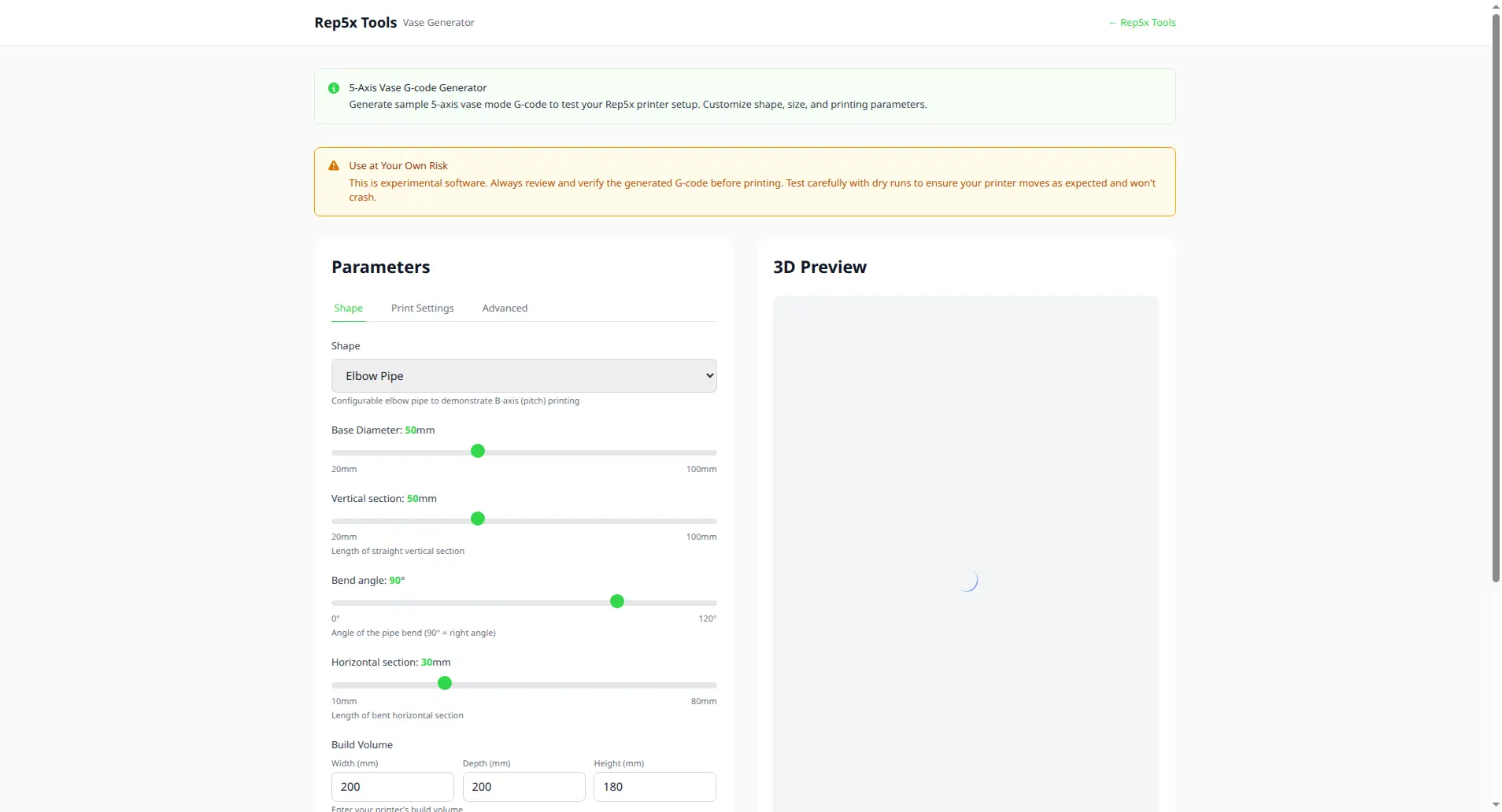
Vase Generator
Generate sample 5-axis vase mode G-code to test your printer. Create elbow pipes, mushroom vases, and other curved geometries that are impossible with conventional 3-axis printing.
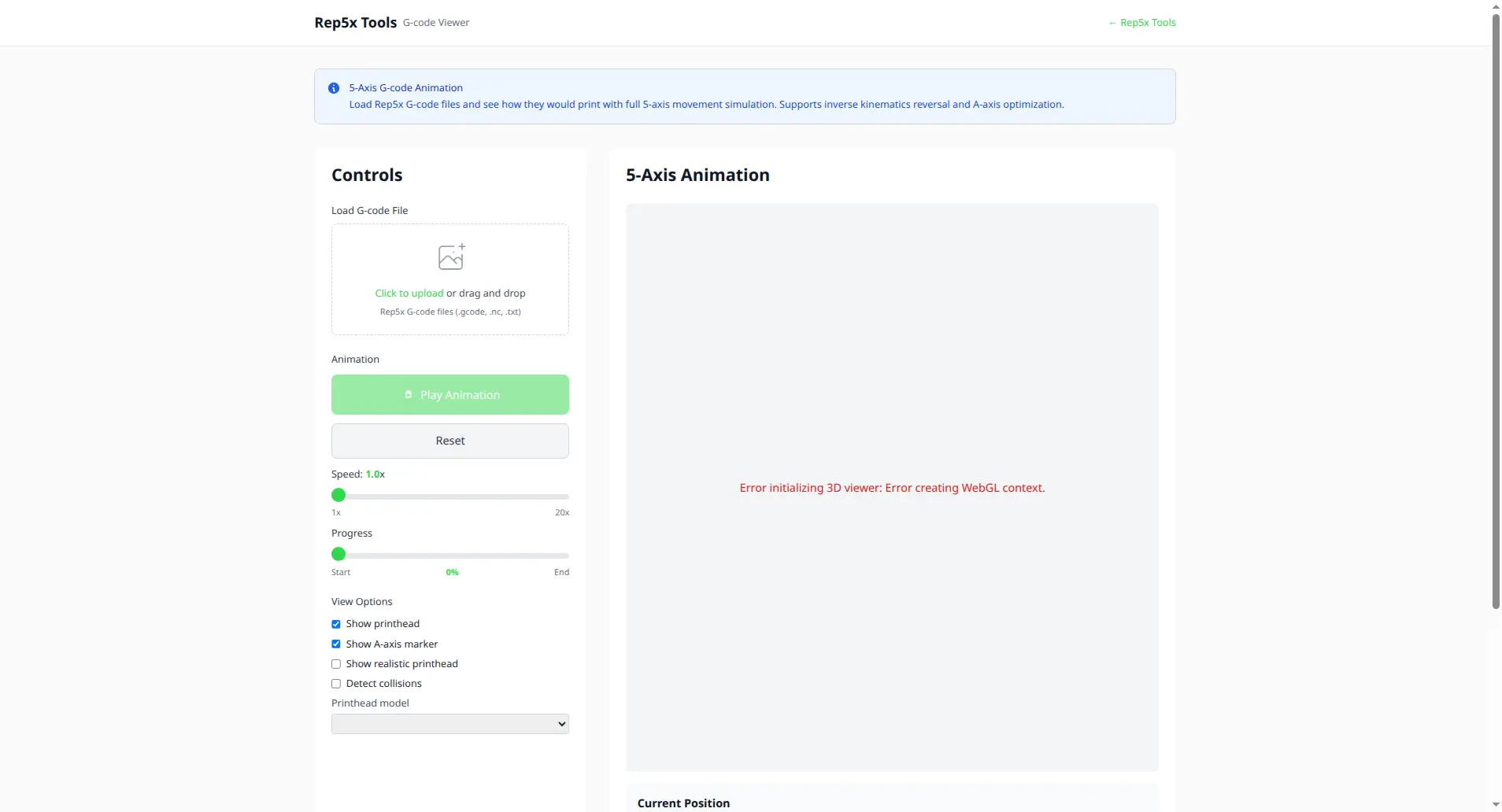
G-code Viewer
Visualise and animate 5-axis G-code in 3D. Preview your prints with proper A/B axis rotation, inverse kinematics support, collision detection, and real-time animation.
Hardware: Rep5x Camera
Some tools work even better with the optional Rep5x Camera module, a simple USB camera with built-in LED lighting that mounts to your printer’s bed.
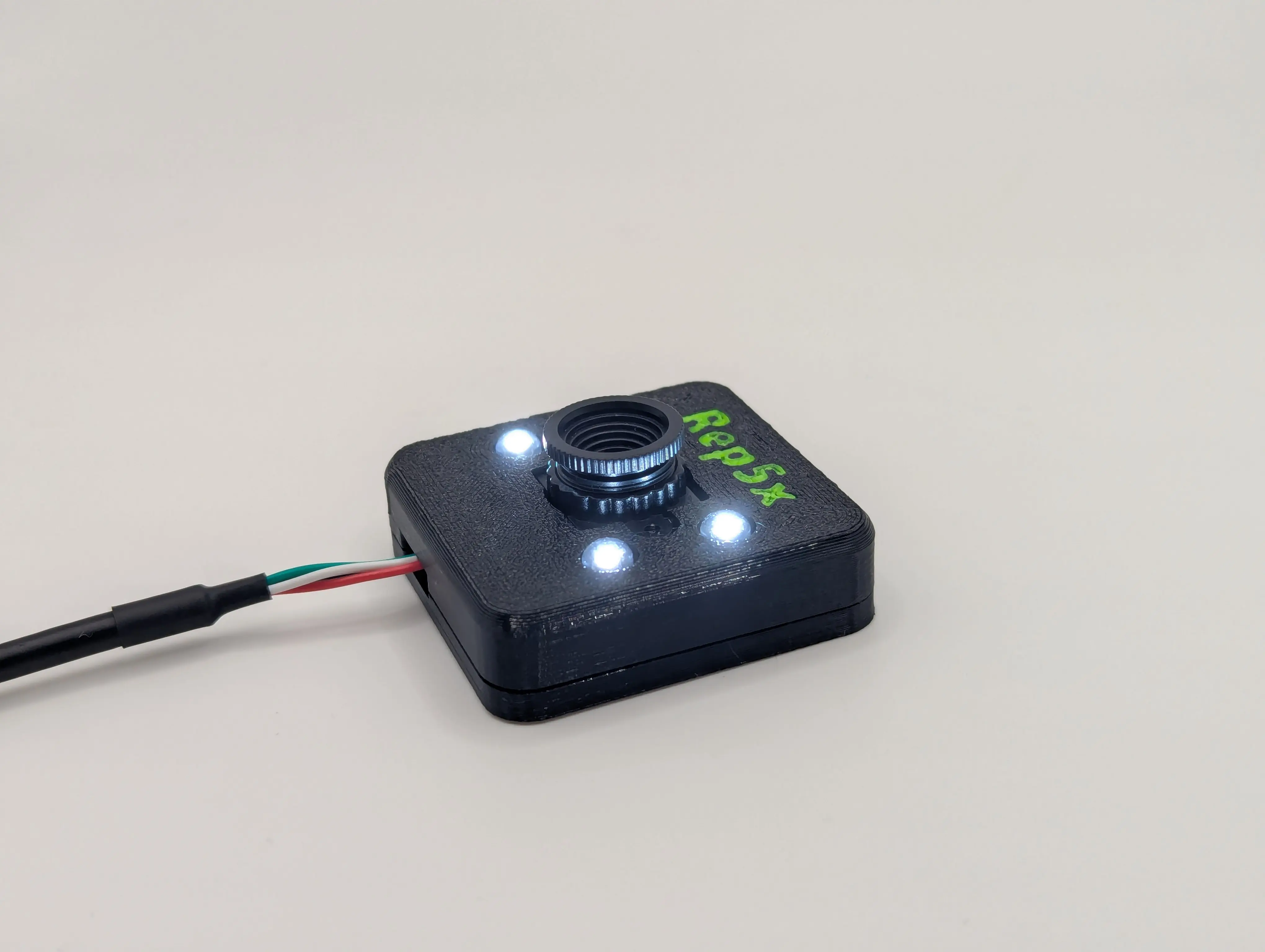
The camera enables precise measurements by providing a close-up view of the nozzle. In the LA/LB Measure tool, you align the nozzle tip to a crosshair on screen and confirm the position. Much easier than eyeballing it from the side of your printer.
The upcoming Calibrator tool will also use this camera for automated error mapping across all A and B angles. If you don’t want to build the camera module, no problem. All tools have alternative methods that work without additional hardware, like the cone-based measurement method already available in LA/LB Measure.
Coming soon: Calibrator
The Calibrator tool is currently in development. It works like bed leveling mesh but for your rotational axes. Measure position errors across different A and B angles to generate error curves, then run your G-code through the tool to apply compensation.
Try it out
All tools are available at tools.rep5x.com. Connect to your printer via USB and you’re good to go.
Questions or feedback? Join our Discord!